

 Contact Us

 Home /
 ROS 2 Support in Robot Purchasing: What a Working Driver Must Actually Expose

Six vs Seven Degrees of Freedom: When Robot Arm Redundancy Helps with Access
Oct 13, 2026
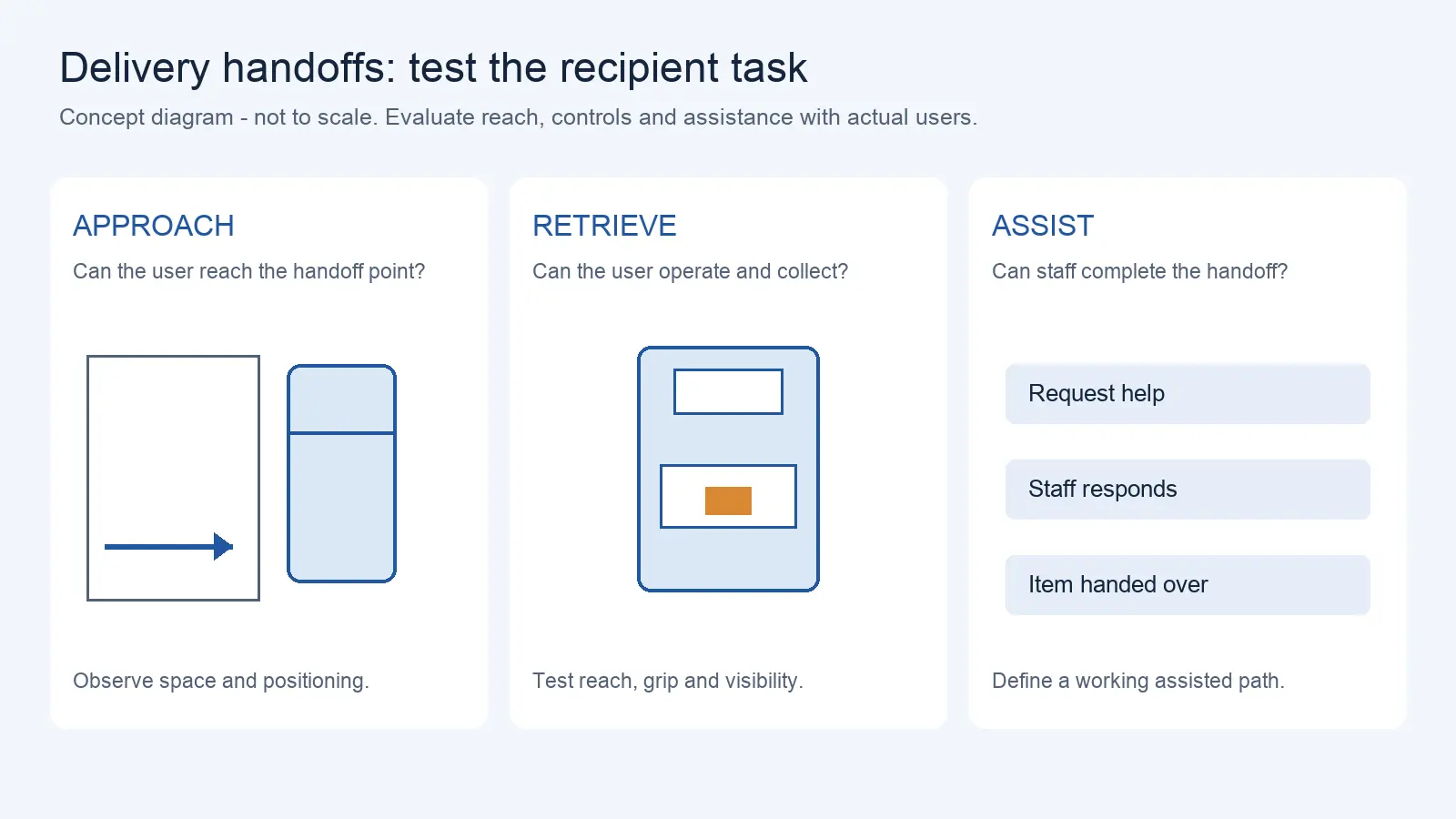
Delivery Robot Accessibility: Tray Reach, Controls, and Assisted Handoffs
Oct 12, 2026
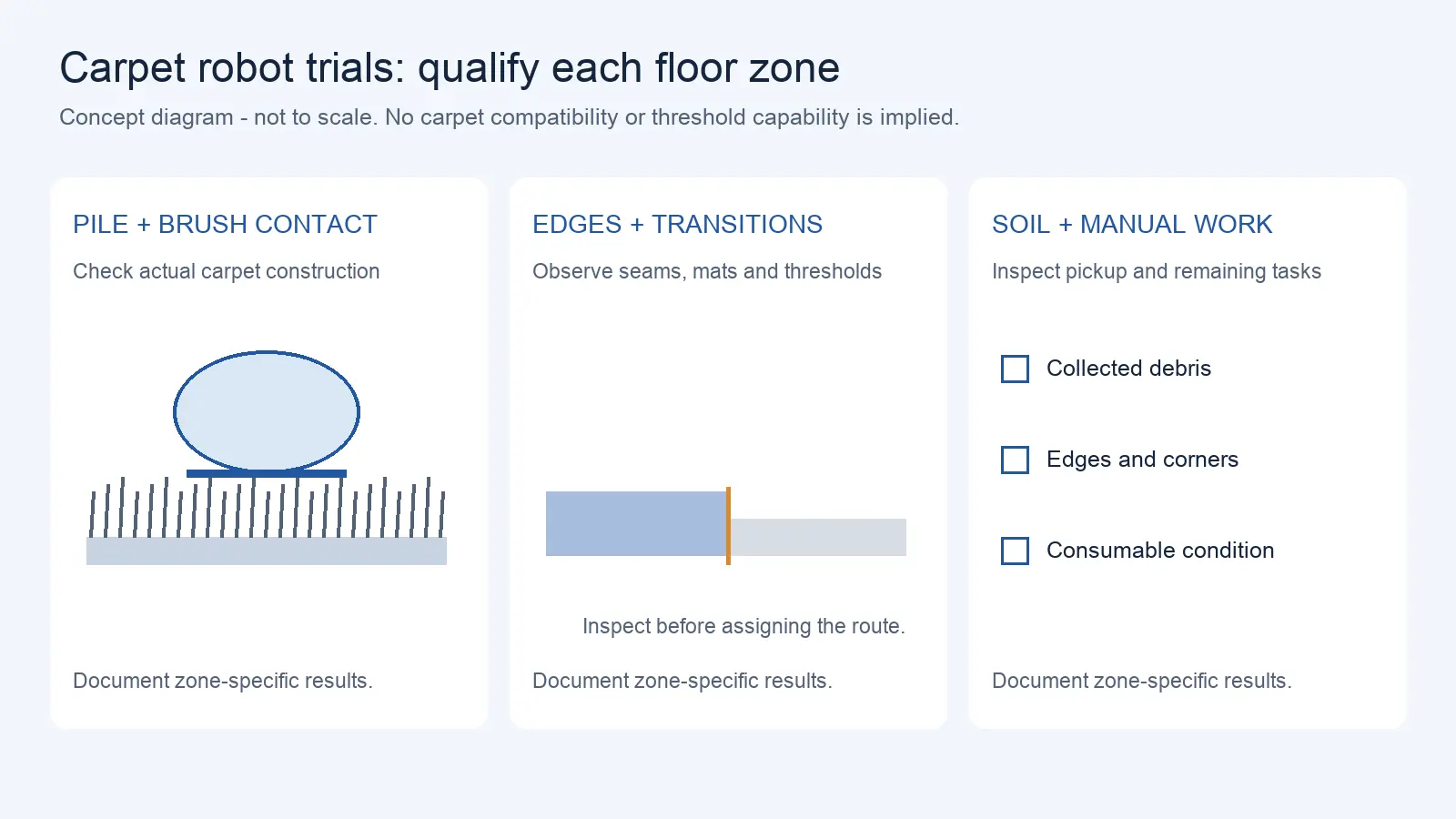
Commercial Carpet-Vacuuming Robots: Pile, Edge Transitions, and Maintenance Limits
Oct 12, 2026
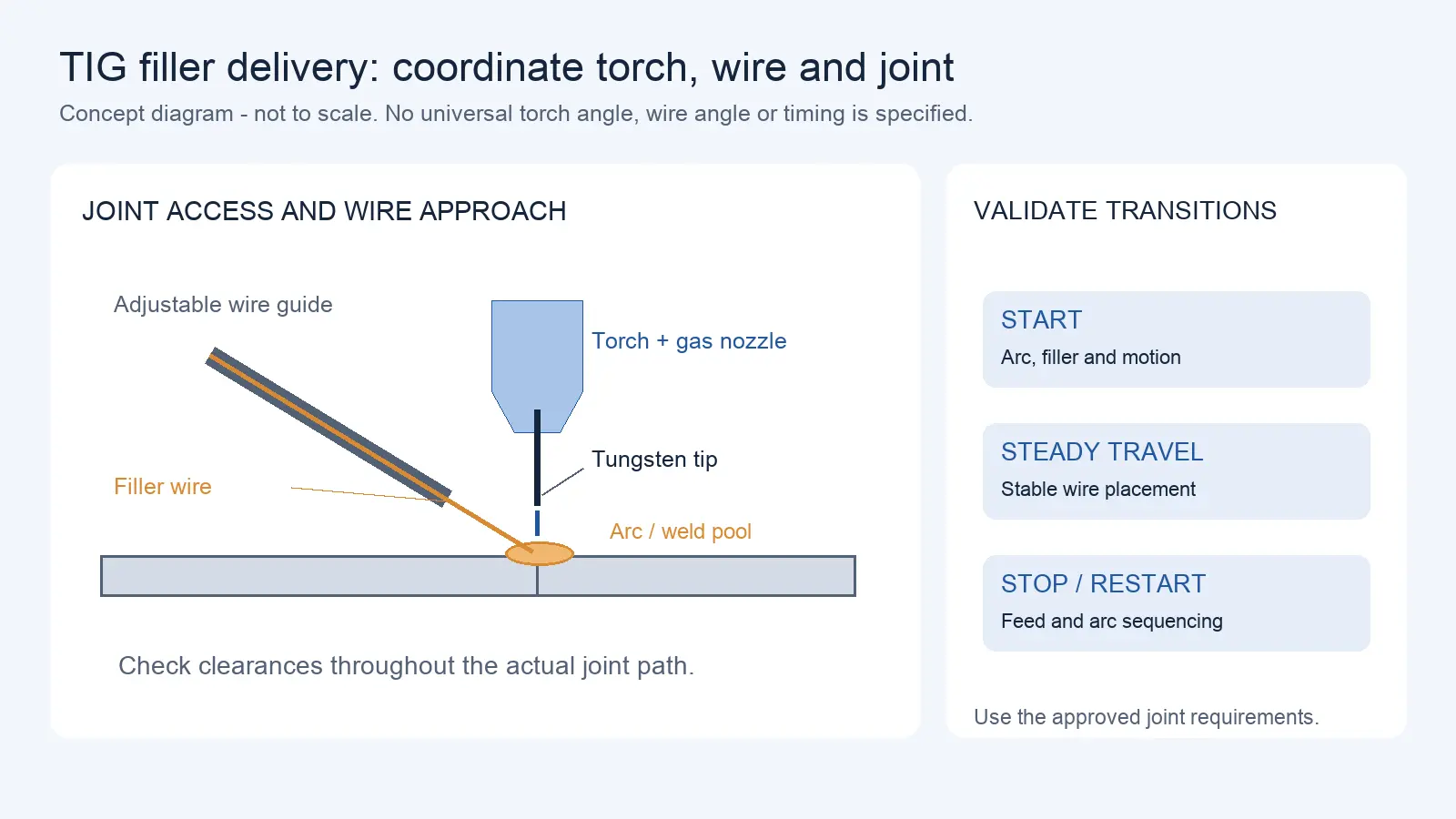
Robotic TIG Filler-Wire Delivery: Feed Angle, Arc Access, and Stop-Start Quality
Oct 12, 2026
“Ships with ROS 2 support” is one of the easiest claims to make and one of the hardest to verify. A vendor repository may exist, a launch file may be present, and the robot may still be unusable for the workflow you actually bought it for. The gap between a driver that exists and a driver that works is the gap between a demo and a deployment, and closing it starts with defining what your workflow needs before you look at any repository.
Define the Intended ROS 2 Workflow
Before evaluating any driver, write down the operations your application must perform. A driver is only useful if it exposes the interfaces those operations need.
A typical integration touches several classes of operation. Reading state: joint positions, velocities, and any torque or force feedback. Commanding motion: sending a trajectory, a target pose, or a velocity command. Managing a task: starting it, cancelling it, and receiving progress and completion feedback. Tool control: opening or closing a gripper, switching a tool, or setting an output. Error handling: learning that a command failed and why.
Each of these maps to a different ROS 2 communication pattern, and the driver has to expose the right one. Short commands and continuous state fit a topic. A request that expects an immediate answer fits a service. A long-running task that needs progress updates and cancellation fits an action. For a cancellable trajectory, verify that the driver exposes a documented cancellation and feedback mechanism. A ROS 2 action is a common pattern for long-running, cancellable goals, but a vendor may implement a different documented command and cancellation interface. Define the operations first, then check which pattern each one requires. Record these operations in robot interface control documents so suppliers can respond to the same state, command and error requirements.
Check Distribution and Hardware Versions
ROS 2 is versioned at several layers at once, and a driver only works when those layers align.
The layers are the ROS 2 distribution (such as a named release), the operating system it runs on, the robot's firmware, and the driver itself. A driver written for one distribution may not build or run on another. A firmware update on the robot can change the interface the driver talks to. The operating system version can determine which packages are even installable.
Record the exact versions of each layer that the supplier supports, and check them against the versions you plan to use. Ask for the support matrix as a document, not a verbal assurance. Where the supplier supports a range, note the boundaries: which combinations are tested, which are known to work, and which are untested. An untested combination is not a supported one. If the proposed application depends on ros2_control and its controllers, confirm that the driver offers the required compatible hardware interfaces. Other ROS 2 drivers may expose useful topics, services, or actions without implementing ros2_control; compare the actual interface against the workflow. The standard framework abstracts hardware into system, sensor, and actuator components that exchange state and command through a defined read/write cycle, which simply means the controller reads the current sensor state, computes, then writes its commands, repeating that loop at a fixed rate; a driver that conforms to this pattern is far easier to integrate than one that bypasses it. For a mobile-platform procurement project, separate this driver test from the overall mobile robot chassis APIs and software access requirements.
Inspect the Exposed Interfaces
Once you know what the workflow needs, inspect what the driver actually exposes, rather than assuming interface names or implementations.
Read the driver's documented interface list: which topics it publishes, which services and actions it provides, what messages they use, and what state and error information they carry. Check whether the state feedback is complete enough for your control loop and whether errors are reported in a structured way rather than as a single generic fault.
Do not assume that a repository's existence means the interface is complete. A driver may publish joint states but expose no command interface, or expose a command interface with no feedback. Look for the specific interfaces your workflow defined in the first step, and mark each one as present, partial, or absent. Where the documentation is thin, plan to inspect the interface list directly with the supplier, and note that the standard message packages do not by themselves tell you what a specific driver implements.
Test End-to-End Command and Feedback
A driver is verified by running it, not by reading about it. Test it end to end with a documented, non-hazardous procedure.
The test should confirm that a command sent from the application reaches the hardware, that the hardware's state returns correctly, and that a failed or rejected command is reported as such. Use the standard, safe tests the supplier provides, and keep safety limits and protective functions in place throughout. This is a functional verification of the interface, not a way to push the robot past its limits.
Ask for a demonstration on real hardware, not only in simulation, and ask what the test covered. Which interfaces were exercised? What happens on a command timeout? What does a rejected command look like to the calling software? Record the answers, because a driver that only ever runs in simulation has not shown that it controls anything.
Separate Official, Community, and Experimental Support
Not all ROS 2 support comes with the same backing, and the difference matters over the life of the machine.
A manufacturer-hosted repository establishes the source of code, not necessarily an ongoing commercial maintenance or support commitment. Verify the supplier's written support scope, supported versions, issue process, and update policy separately. Community support means someone outside the manufacturer maintains it, which can be excellent but depends on that maintainer's continued interest. Experimental support means the driver is a work in progress with no commitment to stability. The same package name can fall into different categories for different machines.
Where a driver sits in the repository hierarchy is a useful clue. A driver that lives in the manufacturer's own developer organization and is presented as a released product is far more likely to be officially maintained than the same code pushed to an individual contributor's account, even when the two point to the same source. For example, JAKA publishes ROS 2 driver material under the JAKARobotics organization. Its earlier JakaCobot/jaka_ros2 repository announced migration and deprecation in 2025. Check the current repository, supported robot models, ROS distribution, controller firmware, and maintenance status; do not infer that another manufacturer lacks ROS 2 merely because a repository was not found. That difference is exactly the kind of fact to verify for the specific machine you are buying rather than assume from the brand.
Identify the maintainer for each driver you rely on. Check when it was last updated and whether issues are answered. Read the licence and the support statement. A repository that exists on a public hosting site is not the same as commercial support, and a popular community driver is not a manufacturer guarantee. Record, for each interface you depend on, who maintains it, how current it is, and what happens if it breaks after your warranty period. Driver licence terms and access rights are part of the broader robot software licensing and data rights review.
Request a Reproducible Driver Demonstration
The final step is a demonstration someone else can repeat. If the supplier cannot make the driver run from a documented starting point, your team will pay for that uncertainty during integration.
Ask for a version manifest listing the distribution, operating system, firmware, and driver version, with the exact steps to build and run. Ask for the actual hardware results of a defined test, not a simulation video. A reproducible demonstration includes the commands to launch the driver, the interfaces to inspect, and the expected output for each, so that your engineers can confirm the same behaviour on your machine.
Treat the demonstration as the evidence that closes the evaluation. Where a step cannot be reproduced, record it as an open item. This keeps the assessment honest: the driver is supported for the operations you verified, on the versions you verified, and everything else remains to be confirmed.
Send the intended robot tasks, ROS 2 distribution, controller firmware, required state and command interfaces, and the failure or cancellation behavior your application needs. AIsirRobot can help coordinate available manufacturer API/SDK documents and open interface questions under integration planning and coordination.
Share on Social:


Contact Us
In This Article
Six vs Seven Degrees of Freedom: When Robot Arm Redundancy Helps with Access
Oct 13, 2026
Delivery Robot Accessibility: Tray Reach, Controls, and Assisted Handoffs
Oct 12, 2026
Commercial Carpet-Vacuuming Robots: Pile, Edge Transitions, and Maintenance Limits
Oct 12, 2026
Robotic TIG Filler-Wire Delivery: Feed Angle, Arc Access, and Stop-Start Quality
Oct 12, 2026