

 Contact Us

 Home /

Robots for Retail & Shopping Centers
AIsirRobot helps retail operators identify robots that fit their traffic patterns, tenant structure, and facility needs — and coordinate configuration, delivery, and support.
What Retail Managers Actually Face
A mall manager walking the property before opening sees last night’s food court spill still on the floor. The cleaning crew finished hours ago, but by the time shoppers arrive, the entrance lobby needs to look spotless. By early afternoon on a weekend, the lobby is full of strollers, shopping carts, and children moving between display kiosks. A cleaning robot working through that crowd needs sensors that can detect moving people and static obstacles and respond safely — and not every model can.
Retail environments are not warehouses with brighter lighting. They combine customer-facing engagement — wayfinding, promotion, information — with behind-the-scenes facility operations. Both layers have robot potential, but the challenges are specific to public, high-traffic, multi-tenant spaces.
Retail Areas and Robot Applications
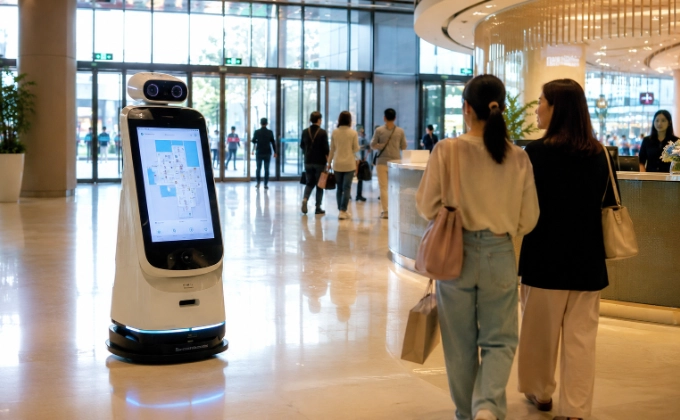
Entrances and Information Points
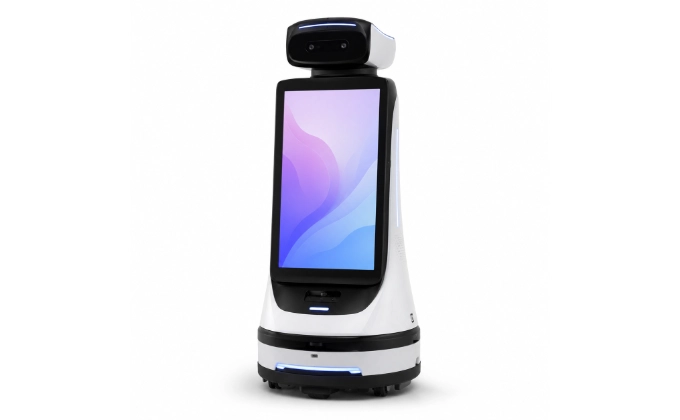
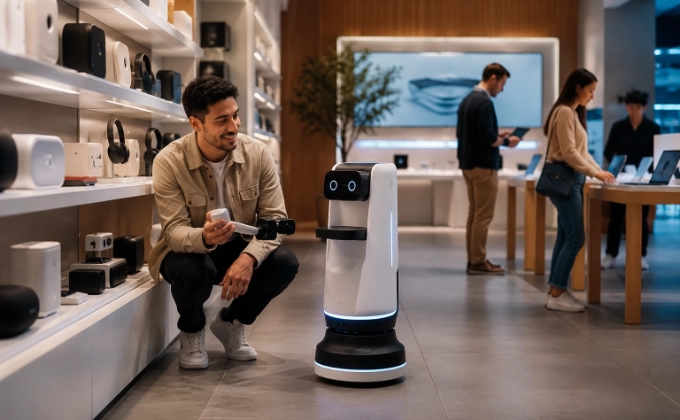
Guide robots greet visitors, provide directions, and answer common questions. They work best in entrance areas where foot traffic is managed. Key factors: multi-language support, content management, and screen quality.
Mall Corridors and Common Areas
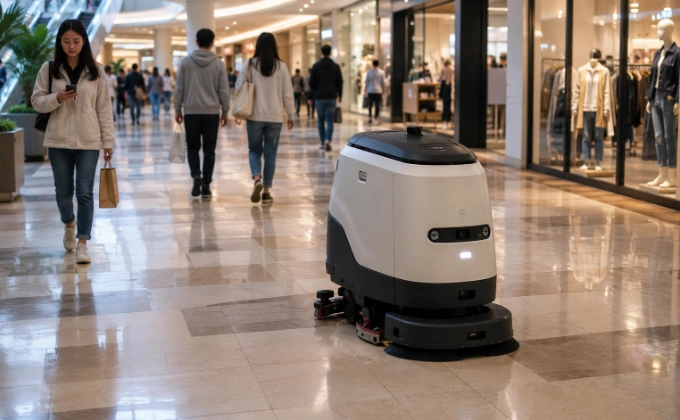
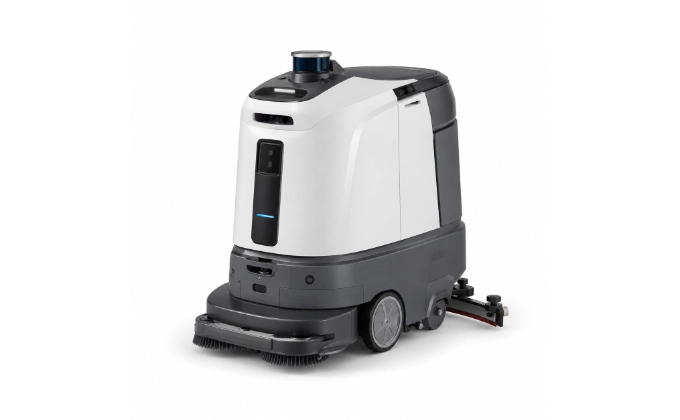
Autonomous scrubber-dryers clean and dry hard floors in a single pass. Coverage reporting helps facility teams track cleaning coverage and task completion. Key factors: coverage area per charge, obstacle avoidance in crowded environments, and floor-type compatibility.
Food Courts
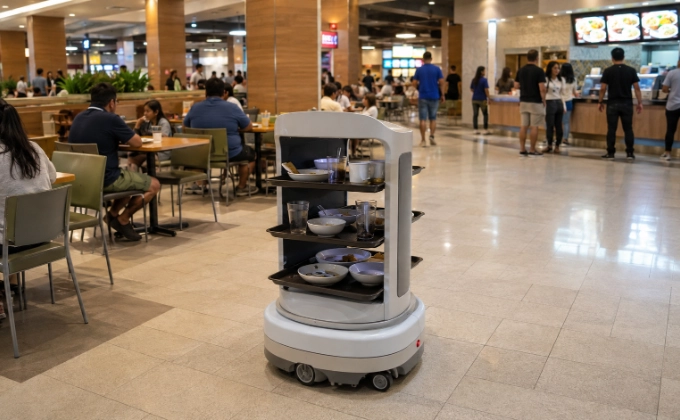
Delivery or bussing robots can support food court operations. Aisle width, table density, and spill management are the main considerations.
Back-of-House Corridors
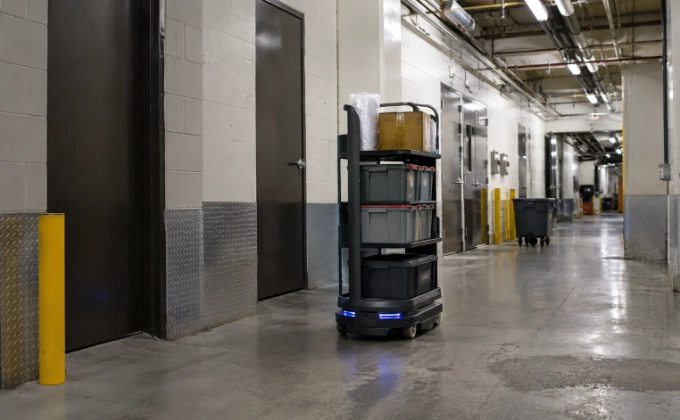
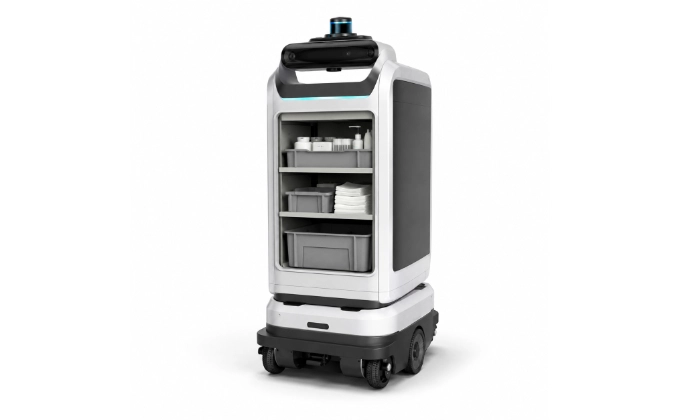
Transport robots move items between service areas, management offices, and tenant zones. These routes are typically wider and less congested — but access control still applies. Key factors: payload, cart interface, and route complexity.
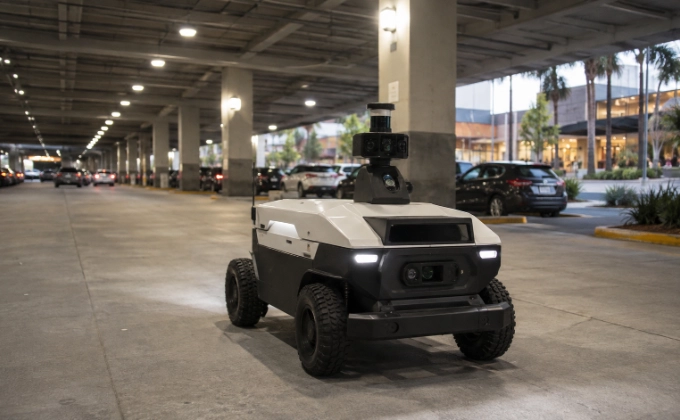
Parking or Outdoor Areas
Robots in parking garages or outdoor areas require specific environmental ratings. Not all models are designed for these conditions — availability must be confirmed.
Mobile Content and Promotion
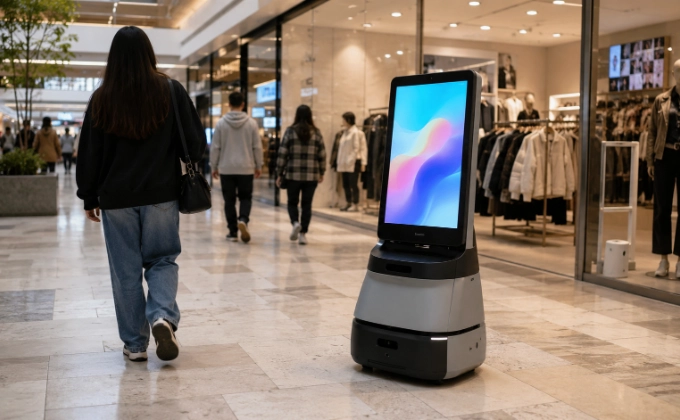
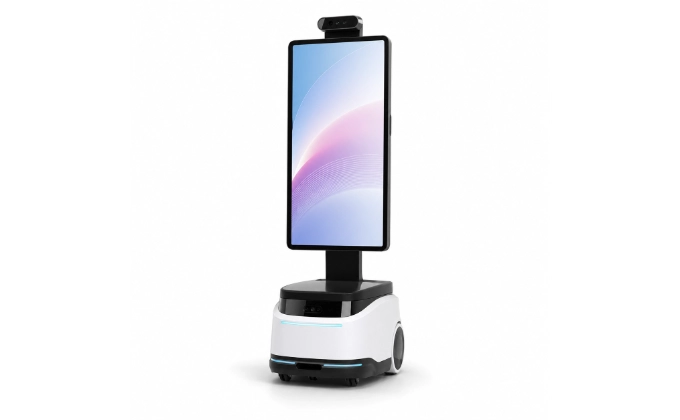
Robots with display screens can show promotional content, advertisements, or event information across approved public zones. Content scheduling, remote management, screen brightness, and battery life during operating hours are key factors.
Robot Categories Commonly Considered
A Typical Retail Deployment Plan
Retail Site Readiness Checklist
| Factor | What to Check |
| Building area and floors | Total area, number of floors, public vs. service zones |
| Traffic | Peak foot traffic, children, strollers, shopping carts, temporary displays |
| Floor surfaces | Tile, concrete, epoxy, carpet — mixed surfaces need compatible models |
| Escalators and stairs | Robot access between floors — typically requires elevator, not escalator |
| Lighting | Bright retail lighting may affect robot sensors and screen visibility |
| Network | Wi‑Fi or mobile coverage in all operating areas |
| Content systems | Content source, update frequency, remote management, multi‑language needs |
| Privacy | Cameras, microphones, facial recognition, data storage and policies |
| Charging | Available locations, fire exits, emergency access |
| Cleaning utilities | Water supply, drainage, cleaning agent storage |
Public-Space Safety, Privacy, and Experience
Crowd Interaction and Obstacle Management
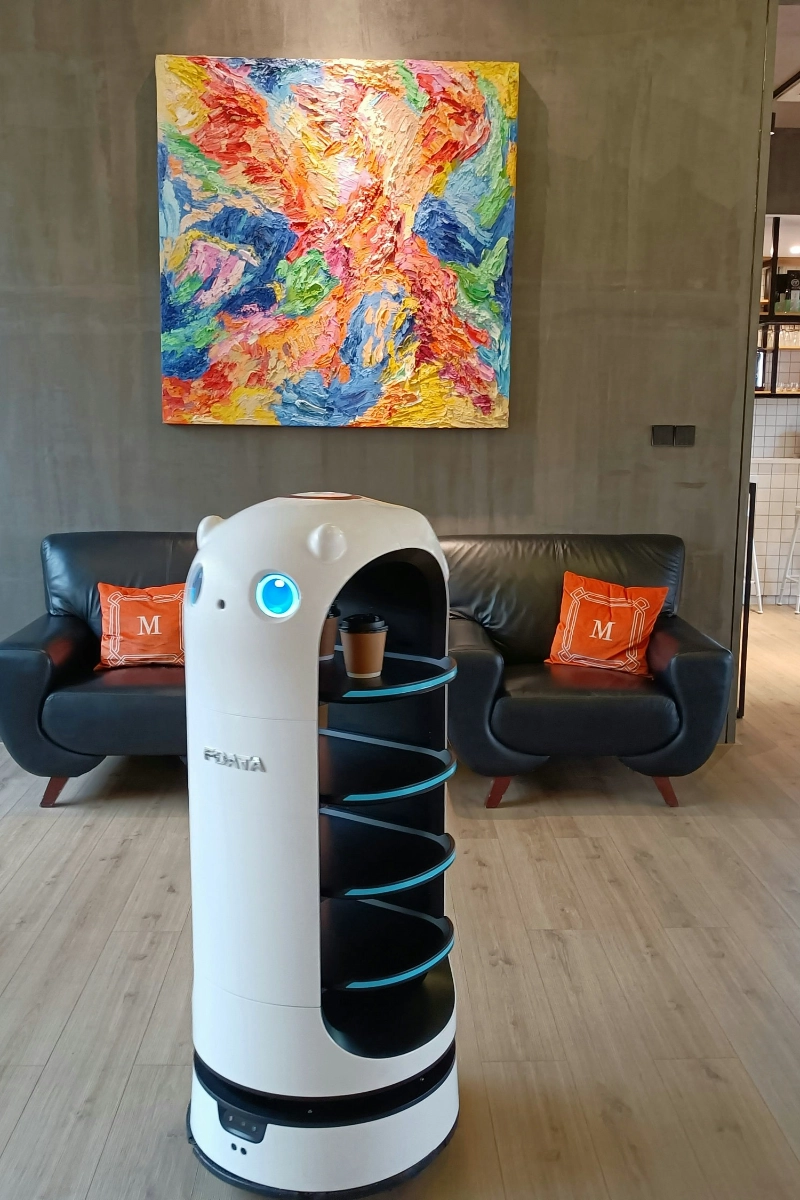
Robots in crowded retail spaces need advanced obstacle detection, appropriate speed limits, and collision avoidance for unpredictable movement — especially children and strollers.
Children and Unpredictable Movement
Children may approach, touch, or block robots. The robot’s safety sensors and behavior in these situations must be confirmed for the selected model. Staff supervision may be required during peak hours.
Camera, Microphone, and Data Controls
If a robot has cameras or microphones, it may collect or process data. Data collection, storage, and access must be transparent. Privacy policies should be clearly communicated to visitors. Compliance with local data protection regulations is the operator’s responsibility. Facial recognition features, if present on a model, should be checked for whether they are enabled or disabled by default.
Content Accuracy and Update Responsibility
If a robot displays wayfinding or promotional content, the accuracy and timeliness of that content is an operational responsibility. Stale or incorrect information reflects on the retailer, not the robot.
Escalation to Human Staff
When a robot cannot answer a question, resolve a complaint, or handle a complex request, it should direct the visitor to human staff. A clear escalation process prevents frustration.
How AIsirRobot Supports Retail and Shopping Center Projects
- Venue and task review
- Cleaning, reception, display, and delivery model comparison
- Content, network, privacy, charging, and traffic requirement coordination
- Documentation, shipping, and after-sales coordination
- On-site setup and training handled by confirmed partners when included in the project scope
- Public-space safety and local data protection regulations are the responsibility of the operator

The more we know about your facility, zones, traffic, and systems, the faster we can evaluate suitable options.
-
 Facility type and target zones
-
Primary tasks and operating hours
-
Visitor traffic and peak periods
-
Routes, floor conditions, doors, and elevators
-
Security and access restrictions
-
Information or content systems
-
Site plans, photos, or videos