

 Contact Us

 Home /
 Drag Teaching vs Offline Programming: Choosing the Right Robot Programming Method
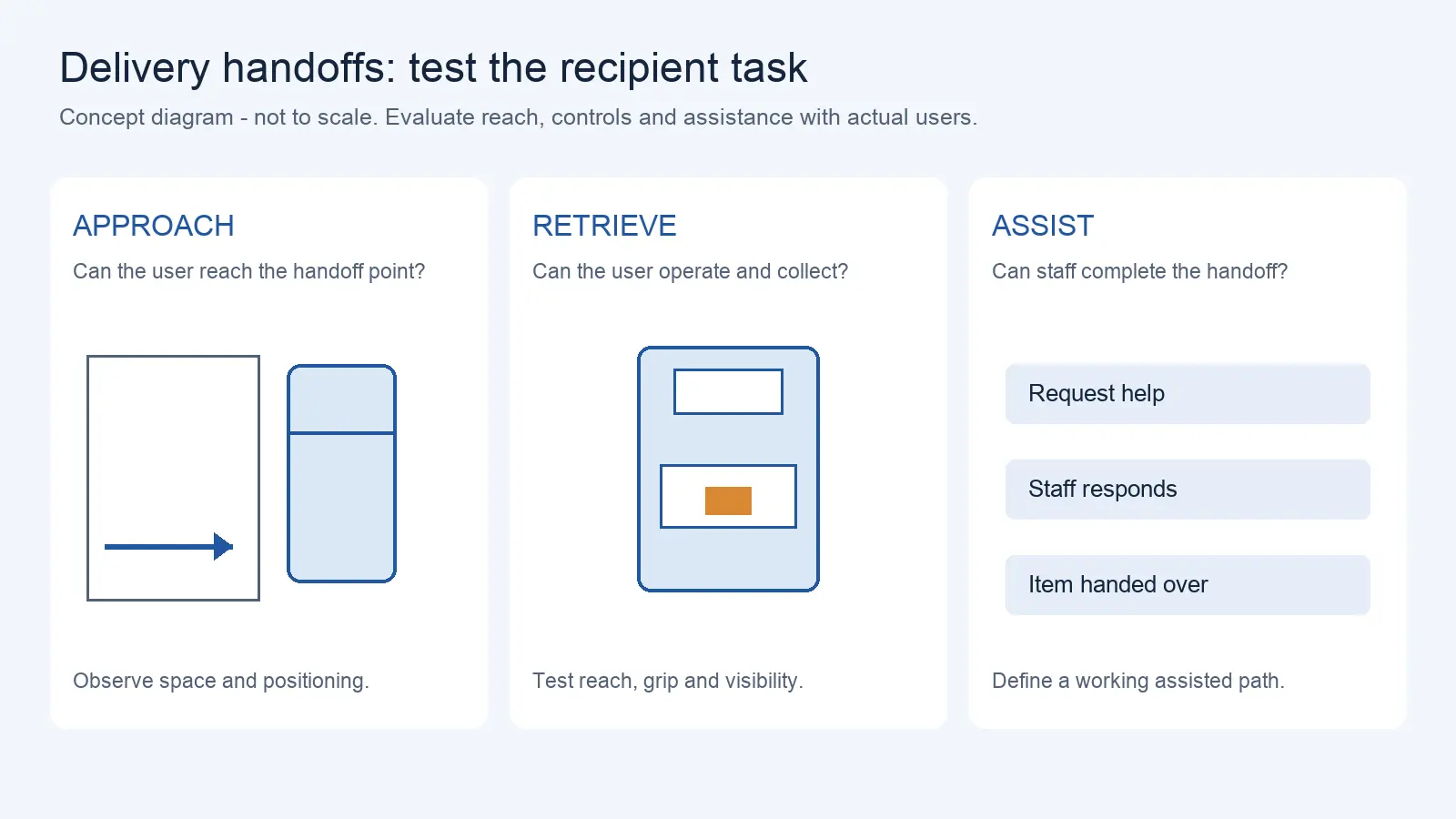
Delivery Robot Accessibility: Tray Reach, Controls, and Assisted Handoffs
Oct 12, 2026
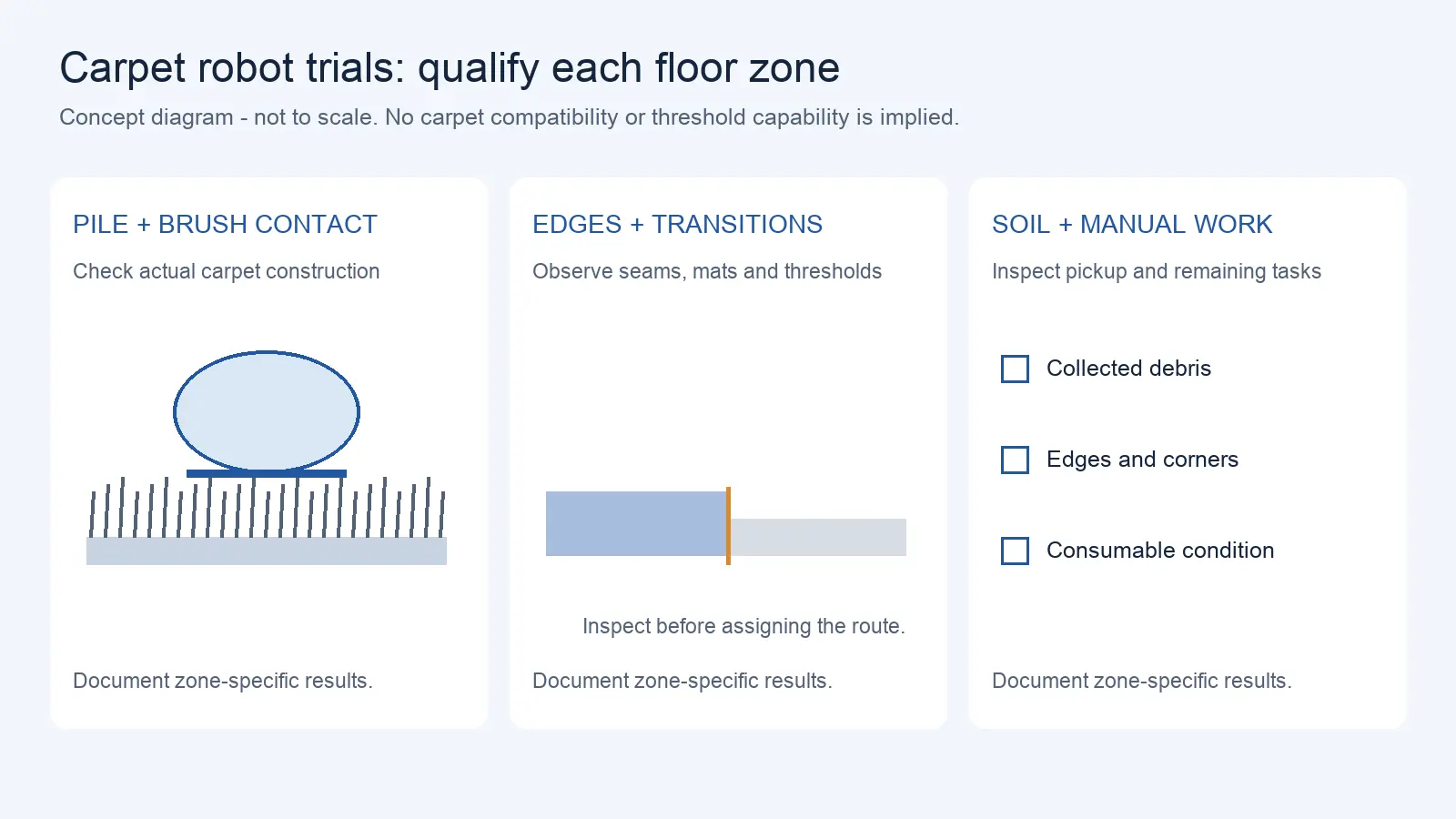
Commercial Carpet-Vacuuming Robots: Pile, Edge Transitions, and Maintenance Limits
Oct 12, 2026
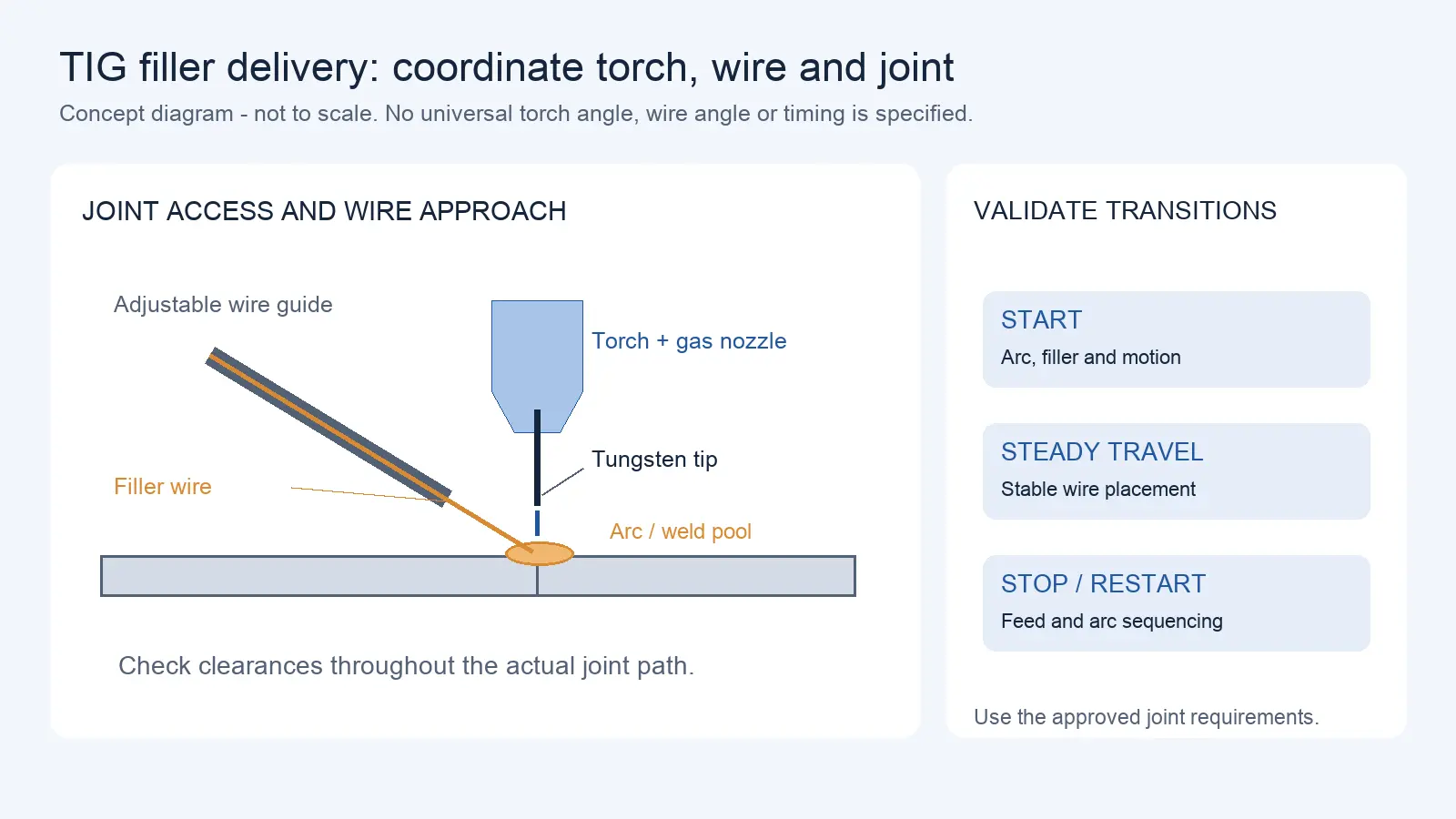
Robotic TIG Filler-Wire Delivery: Feed Angle, Arc Access, and Stop-Start Quality
Oct 12, 2026
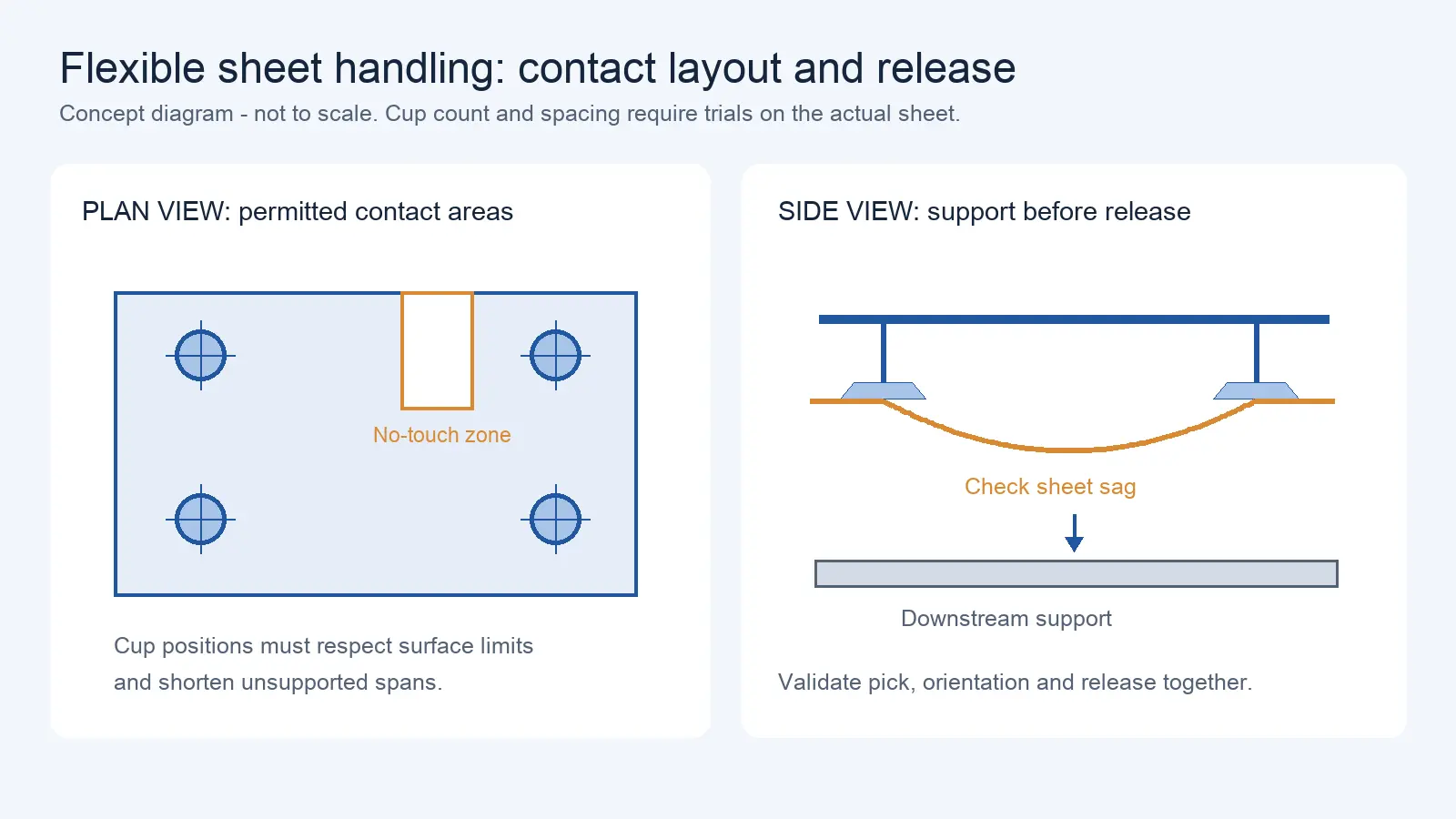
Suction Cup Layout for Flexible Sheets: Sag, Local Stress, and Controlled Release
Oct 12, 2026
Robot programming is where a welding cell, pick-and-place station, or assembly line transitions from a mechanical installation to a working production system. The choice between drag teaching and offline programming affects setup time, changeover flexibility, path complexity, and the skill set your team needs on the floor.
This article exists because the choice between drag teaching and offline programming is often presented as a technology question (which is more advanced) when it is actually a production question (which fits your changeover pattern). This article covers how each method works, what determines accuracy, and which production conditions favor which approach. For robot positioning performance metrics that affect OLP accuracy, see Article 17.
What Drag Teaching Actually Is (and Is Not)
Drag teaching — also called lead-through teaching or hand guiding — lets an operator physically move the robot’s end-effector along the desired path while the controller records position points at intervals. The robot then replays the recorded path.
The critical technical requirement is that the robot must be in a state where it allows the operator to move the end-effector with minimal resistance. This is called gravity compensation or lead-through mode. In this state, the controller compensates for the robot’s own weight so the arm does not collapse under gravity:
τ_motor ≈ τ_gravity(q)
However, real hand-guiding implementations typically involve more than pure gravity compensation. They may include friction compensation, stiction modeling, impedance or admittance control, damping to prevent oscillation, and force/torque sensing via joint torque sensors or motor current estimation. The operator pushes the arm, and the controller interprets the external force to determine direction and speed. The complexity and quality of this control loop varies by robot manufacturer and affects how smoothly the arm responds to operator input.
What Drag Teaching Is Not
Drag teaching is not simply “switching off the motors and pushing the arm.” Without gravity compensation, the arm would either collapse under its own weight or resist movement due to friction and stiction. The force/torque sensing and gravity compensation are what make controlled, smooth path recording possible.
It is also not the same as the Hand Guiding collaborative operation mode defined in ISO 10218-1:2025. Hand guiding is one of the collaborative operation modes in the 2025 edition, which integrates the content previously contained in ISO/TS 15066:2016, including biomechanical limit thresholds and verification protocols. ISO/TS 15066:2016 remains published but is being revised; buyers should reference ISO 10218-1:2025 and ISO 10218-2:2025 for current safety requirements. Hand Guiding includes specific safety requirements: an enabling device, emergency stop, and the equipment must be located close to the end-effector. Hand Guiding can be used for real-time operator guidance during production, not just for teaching. A robot that supports drag teaching for programming does not automatically meet the Hand Guiding safety mode requirements.
When Drag Teaching Works Best
Drag teaching excels in scenarios where:
- Path complexity is low to moderate — straight moves, simple arcs, or paths that a human can trace by hand
- Changeover frequency is high — the path needs to be re-taught frequently for different parts or variants
- Operator process knowledge matters more than programming skill — the operator knows how the weld should run or how the part should be handled, even if they cannot write code
- Setup time is critical — drag teaching can record a path in minutes, compared to hours or days for offline programming
Typical applications: simple welding paths, spray painting or coating trajectories, pick-and-place positions, adhesive dispensing paths.
What Offline Programming (OLP) Actually Requires
Offline programming uses a software simulation environment to create robot programs without taking the robot out of production. The programmer builds a 3D model of the cell (robot, workpiece, fixtures, obstacles), creates the path in simulation, checks for collisions, and then generates robot-specific code through a post-processor.
The OLP Tool Chain
- Cell modeling — 3D CAD models of the robot, workpiece, fixtures, and environment
- Path creation — defining waypoints, motion types (joint, linear, circular), and process parameters
- Simulation and collision checking — verifying the path is feasible and collision-free
- Post-processing — converting the simulated path into the robot controller’s native code
- Calibration — aligning the simulation model with the physical cell
The Calibration Problem
This is where OLP accuracy lives or dies. The simulation model assumes the robot, workpiece, and fixtures are exactly where the CAD model says they are. In reality, physical cells have deviations:
- Robot mounting position may be off by several millimeters
- Fixture location may shift after clamping
- Workpiece dimensions vary within tolerance
- Robot itself has positioning error (see Article 17 on repeatability vs accuracy)
If the simulation does not match the physical cell, the generated program will miss the target. Calibration — usually involving reference points measured on both the simulation and the physical cell — corrects for these deviations. The quality of calibration directly determines the accuracy of the offline-generated program.
Key point: OLP does not inherently produce more accurate programs than drag teaching. It produces more complex programs and programs for parts that cannot be taught by hand. But the accuracy of those programs depends on calibration quality, which depends on measurement precision and the skill of the person performing the calibration.
Programming-Method Comparison Table
| Dimension | Drag Teaching | Offline Programming |
| Setup time | Minutes to hours | Hours to days (modeling + calibration) |
| Path complexity | Limited to operator dexterity and arm reach | Complex 3D paths, multi-robot coordination |
| Changeover speed | Fast — re-teach by hand in minutes | Slower — re-simulate, re-calibrate, re-download |
| Accuracy | Limited by human precision and gravity compensation quality | Depends on calibration quality; can be very high with good calibration |
| Operator skill required | Process knowledge (welding, painting), minimal coding | Programming + simulation + calibration expertise |
| Robot downtime during programming | Yes — robot must be taken out of production to teach | No — programming happens offline; robot stays in production |
| Best for | High-mix, low-volume; simple paths; frequent changeover | High-volume, complex paths; multi-robot cells; long-running programs |
| Cost of software | Minimal (built into robot controller) | OLP software license + training + calibration equipment |
The Decision Factor: Changeover Frequency
If there is one variable that determines which method to choose, it is changeover frequency — how often the robot needs to be reprogrammed for a new part or variant.
High changeover (multiple parts per day or week):
- Drag teaching wins. The ability to re-teach a path quickly by hand is decisive when the alternative is extended re-simulation and recalibration.
- The operator’s process knowledge becomes the programming interface. A welder who knows how the bead should run can teach it directly.
Low changeover (same part for weeks or months):
- OLP wins. The initial investment in modeling and calibration is amortized over a long production run.
- Complex paths that would be difficult or impossible to teach by hand become feasible.
- The robot stays in production during programming — no downtime for teaching.
Mixed production (some high-changeover, some long-run):
- Many cells benefit from both methods. Use drag teaching for quick changeovers and simple paths; use OLP for complex, long-running programs.
- Verify that the robot controller supports both methods without requiring separate software licenses or hardware.
Application Decision Matrix
| Application | Recommended Method | Why |
| Simple welding (straight seams, 2-3 positions) | Drag teaching | Fast setup; operator knows the weld path |
| Complex multi-pass welding (pipe, vessels) | OLP | Multi-pass coordination; path complexity beyond hand teaching |
| Spray painting / coating | Drag teaching | Operator can feel the natural sweep motion; trajectory is organic |
| Pick-and-place (fixed positions) | Either — drag teaching for simple layouts | Positions are discrete points; easy to teach by hand |
| Assembly with tight tolerances | OLP (with calibration) | Positioning accuracy requirements exceed human teaching precision |
| High-mix small batch welding | Drag teaching | Changeover speed is the dominant factor |
| Automotive body welding (long-run, multi-robot) | OLP | Complex coordination; long production runs justify setup time |
| Adhesive dispensing (complex 3D paths) | OLP | Path complexity exceeds hand-teaching capability |
Emerging Approaches
AR-Assisted Programming
Augmented reality-assisted programming is emerging as a hybrid approach. The programmer uses an AR interface to define waypoints in 3D space while viewing the physical cell through a headset or tablet. This bridges some of the gap between drag teaching (fast, intuitive) and OLP (precise, complex) — the programmer can define paths visually without physically moving the robot, and without building a full CAD simulation.
This approach is still maturing. As of mid-2026, AR programming tools support only specific robot brands, and the generated code may still require calibration steps comparable to traditional OLP. Verify whether the specific AR tool supports your robot model and whether the generated code requires calibration comparable to traditional OLP.
Force-Controlled Teaching with Haptic Feedback
Some cobots offer force-controlled teaching where the operator moves the arm with haptic feedback — the robot resists or guides the operator’s hand to help maintain consistent speed or distance. This can improve the quality of drag-taught paths, particularly for applications like welding where consistent travel speed affects weld quality.
Buyer Questions List for Programming Method Evaluation
- What is the typical changeover frequency for your production? (parts per day/week/month)
- What is the path complexity? (straight lines, arcs, 3D multi-axis, multi-pass)
- Does your team have programming/simulation skills, or is process knowledge the primary expertise?
- How much robot downtime can you accept during reprogramming?
- Does the robot controller support both drag teaching and OLP without additional licensing?
- What calibration equipment is required for OLP, and who will perform the calibration?
- For drag teaching: does the robot have joint torque sensors, or does it estimate force from motor current? (Torque sensors provide more sensitive force detection)
- For drag teaching: what is the minimum teach speed, and can it be adjusted for fine positioning?
- For OLP: what post-processors are available for your robot model?
- For OLP: what is the typical calibration time, and how often must it be repeated?
Illustrative Scenario: The Changeover Frequency Test
A job shop fabricates custom brackets for construction equipment. A typical production run is 20–50 pieces, and the shop may switch between 8–12 different bracket designs per week. The initial plan was to use offline programming — the engineering team had simulation software and felt that OLP would produce more professional, repeatable programs.
After three weeks, the team found that the OLP setup time (CAD import, path creation, simulation, calibration, download) averaged 2.5 hours (illustrative) per new bracket design. With 8–12 changeovers per week, OLP setup consumed 20–30 hours of engineering time weekly — more than the actual welding time.
Switching to drag teaching reduced changeover to 15–25 minutes (illustrative) per design, performed by the welder on the floor. The weld quality was comparable for these simple bracket welds, and the engineering team was freed from constant reprogramming. OLP was retained for the one complex multi-pass part that ran monthly — where the setup time was justified by the production volume.
This is an illustrative scenario based on common job shop production patterns. Actual setup times depend on part complexity, software capability, and operator skill.
Request a Quote or Technical Evaluation
Tell us what you need the robot to do. Even if some technical details are not yet confirmed, our team can help evaluate suitable options.
Please share, if available: application, key requirements, site and integration conditions, quantity, destination, and target timeline.
Send Your RequirementsRelated Articles
This article covers robot programming method selection. For robot positioning performance metrics (repeatability vs accuracy vs resolution), which affect OLP accuracy requirements, see Article 17.
Share on Social:


Contact Us
In This Article
Delivery Robot Accessibility: Tray Reach, Controls, and Assisted Handoffs
Oct 12, 2026
Commercial Carpet-Vacuuming Robots: Pile, Edge Transitions, and Maintenance Limits
Oct 12, 2026
Robotic TIG Filler-Wire Delivery: Feed Angle, Arc Access, and Stop-Start Quality
Oct 12, 2026
Suction Cup Layout for Flexible Sheets: Sag, Local Stress, and Controlled Release
Oct 12, 2026