

 Contact Us

 Home /
 Robot Calibration Management: TCP, Sensors, Docking, Tool Changes, and Recalibration Triggers
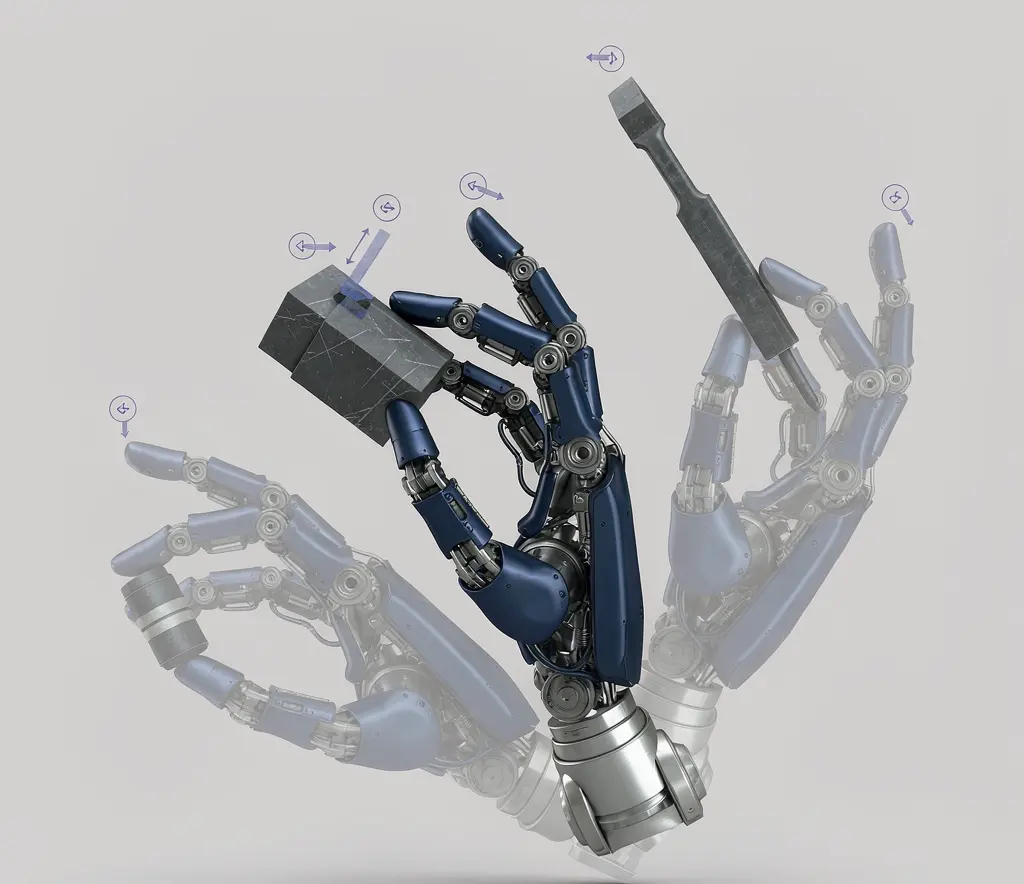
Humanoid Robot Hand Dexterity Verification: Grasp Set, Tool Use, Force Control, and Recovery
Oct 08, 2026

Industrial Exoskeleton Fit and Sizing: Anthropometry, Adjustment Time, PPE, and Shared-Device Programs
Oct 08, 2026

Robot Duty Cycle and Thermal Limits: Why Rated Payload and Speed Do Not Guarantee Continuous Operation
Oct 08, 2026

Robot IP Ratings Explained: What IP54, IP65, and IP67 Do — and Do Not — Prove
Oct 08, 2026
A robot starts placing parts outside the application's tolerance even though its program has not changed. Before changing calibration data, check the tool, fixture, payload settings, reference frames and mechanical condition.
A collision, tool replacement, mounting change or changing operating conditions may justify investigation. The appropriate response can be inspection, configuration correction, verification, repair or a manufacturer-defined calibration procedure.
Robot calibration management keeps track of measured relationships, controller parameters and the checks needed after equipment changes. In metrology, calibration is distinct from adjustment and verification. Robot manufacturers may use “kinematic calibration” for a workflow that measures mechanical geometry and applies model compensation. Identify which operation a supplier means before deciding who may perform it.
Performance Tests and Application Verification
ISO 9283:1998 describes performance characteristics and test methods for manipulating industrial robots, including pose and path performance. It is a test-method framework, not a universal application-accuracy certificate. Specify the characteristics, conditions and acceptance limits in the project test plan.
China's GB/T 12642-2013 is an identical adoption of ISO 9283:1998. Confirm the exact edition referenced in a supplier report.
For robot comparisons, check that the selected test conditions are comparable. Then verify the actual cell with its tool, fixture, payload and operating conditions. For the distinction between performance measures, see robot repeatability vs. accuracy.
Calibration, Teaching, and Verification: Know the Difference
These activities answer different questions:
Calibration and adjustment. Calibration establishes a measurement relationship under stated conditions, with uncertainty considered. Adjustment or compensation changes the system's response. A manufacturer's robot-calibration procedure may combine these activities; record what was measured and which parameters changed.
Teaching. Teaching records application poses or references, using the supported programming method. It can make a local task work without demonstrating accuracy throughout the workspace.
Verification. Verification checks the result against specified requirements. It should follow relevant changes and use acceptance criteria appropriate to the application.
Do not assume that a taught waypoint, a calibration record or a single successful check proves the whole application meets its tolerance requirements.
What Can Be Calibrated
TCP (Tool Center Point)
TCP setup estimates the tool reference pose relative to the flange. Verify that pose against the application's tolerance, using the manufacturer's procedure and a suitable reference.
Base and World Frame
The base frame defines the robot's coordinate system origin. After relocation or mounting changes, verify the robot's relationship to the application reference frames and re-establish affected transforms where necessary, using the manufacturer's procedure. For multi-robot cells, the world frame defines the shared coordinate space.
Vision Systems
Vision calibration includes intrinsic parameters (camera lens and sensor), extrinsic parameters (camera position relative to the robot), and hand-eye calibration (the relationship between the camera and the tool or flange). An unsuitable or outdated camera model or camera-to-robot transform can introduce measurement or localization errors; verify the complete setup with appropriate reference targets.
Force Sensors
Distinguish sensor calibration from zeroing or tare operations. Follow the sensor manufacturer's instructions and verify bias and response under the relevant tool and load conditions.
Mobile Robot Docking and Local References
For mobile robots, docking position accuracy and local reference calibration matter. A robot that navigates to a charging dock or a pickup station needs to align precisely. Navigation accuracy (how well the robot reaches a target zone) is not the same as docking accuracy (how precisely it aligns with the physical interface). For the broader error-budget context, see mobile manipulator accuracy stack.
When to Recalibrate
Certain events should trigger a calibration review regardless of the maintenance schedule:
- Collision: Suspend the affected task and follow the manufacturer's inspection and recovery procedure. Qualified personnel should assess mechanical damage and determine the required repairs and checks. Do not use recalibration to compensate for damaged components. Resume only after the applicable equipment, process and safety checks have been completed.
- Disassembly or reassembly: Opening the robot for maintenance, replacing a motor, or swapping a reducer can change the mechanical relationship between components.
- Tool change: After a tool change, select the correct stored TCP and payload configuration and verify them. Remeasure or recalibrate when the geometry or reference relationship has changed; do not assume every tool exchange requires full kinematic calibration.
- Sensor replacement: After sensor replacement, establish or verify the required sensor settings and transforms using the manufacturer's procedure.
- Base relocation: After relocation, re-establish or verify the affected application reference frames and any shared-cell relationships.
- Major software or firmware updates: Updates can change kinematic models, control parameters, or calibration data storage formats. Verify calibration after significant updates.
For broader baseline and version management, see robot configuration management.
Safety-Related Configuration and Validation
Changes to tools, reference frames or robot configuration may also affect safety-related settings. Follow the applicable robot and integrated-cell instructions to identify which settings and protective measures must be checked or revalidated. Ordinary collision detection is not automatically a safety-rated function. Do not alter protected safety parameters or treat a TCP check as complete safety validation. Confirm the permitted procedure and responsible qualified personnel with the supplier or integrator.
Application Dependency
Different applications have different error budgets, which affects how often calibration matters:
- Welding: Evaluate TCP and path errors against the joint geometry, process requirements and qualified procedure. Set verification triggers and acceptance limits for the actual application.
- Assembly: Positioning accuracy for part insertion, fastening, or alignment depends on tolerance stack-up between the robot, the fixture, and the part. Calibration requirements depend on the specific tolerance chain.
- Machine tending: Loading and unloading CNC machines, injection molders, or presses requires consistent positioning relative to the machine interface. Docking or fixture accuracy may be more critical than absolute robot accuracy.
- Palletizing: Position accuracy requirements are generally less stringent than welding, but pattern consistency and reach accuracy still matter. TCP drift can cause stacking instability over time.
What to Verify With Your Supplier
User-performable calibration. Which calibration operations can your team perform, and which require authorized technicians? Get a list of user-level and authorized-level procedures.
Required tools and references. What equipment is needed for each calibration: a calibration ball, a laser tracker, a reference fixture, or a software utility? Are these included with the robot or sold separately?
Factory calibration recovery. If the robot loses its factory calibration data (due to a controller failure, battery drain, or software issue), can it be restored? Is there a backup mechanism?
Post-collision procedure. What does the supplier recommend after a collision? Is there a defined inspection and verification procedure, or is it left to operator judgment?
Calibration data backup. Can calibration data be exported, backed up, and restored? If the controller is replaced, can calibration data be transferred to the new unit?
Calibration intervals. Does the supplier recommend specific calibration intervals? Under what conditions? What test environment was used to establish those intervals?
Measurement methods. Ask how measurement uncertainty and environmental conditions are evaluated when comparing results.
Common Pitfalls
Treating teaching as full calibration. A working taught position does not establish the robot's measurement relationship or validate accuracy across other poses, tools and loads.
Ignoring test conditions. Record temperature, warm-up state, payload and the measurement method so that checks can be compared meaningfully. Investigate changes instead of assuming one temperature threshold applies to every robot.
Skipping post-collision verification. Minor collisions may not trigger any alarm but can shift the TCP enough to affect quality. Without a defined post-collision check, these shifts accumulate silently.
Assuming all brands follow the same process. Calibration procedures, tools, and user-accessible levels vary significantly between manufacturers. What works for one brand may not apply to another.
Treating a standard-based report as application acceptance. Check what was measured and compare it with the project's agreed limits. A test report does not by itself validate the complete production task.
What to Ask Your Supplier
- Which calibration operations can our team perform, and which require authorized technicians?
- What tools and reference fixtures are needed for each calibration procedure?
- Can factory calibration data be backed up and restored?
- What is the recommended procedure after a collision?
- How are the correct TCP and payload selected and verified after a tool change, and when is remeasurement required?
- What calibration intervals do you recommend, and under what conditions were they established?
- What measurement system and procedure do you use for calibration verification?
- Which configuration changes require safety-related checks or validation, and who is authorized to perform them?
Has a collision, tool change, controller replacement, sensor replacement or relocation created a calibration question on an existing robot? Share the model, event, affected tool or sensor, symptoms and any supplier procedure you already have. AIsirRobot can help organize the issue information and coordinate the relevant manufacturer guidance or after-sales resources. Calibration, repair, safety validation and on-site technical work remain with the manufacturer, authorized service provider or qualified integrator.
Share on Social:


Contact Us
In This Article
Humanoid Robot Hand Dexterity Verification: Grasp Set, Tool Use, Force Control, and Recovery
Oct 08, 2026
Industrial Exoskeleton Fit and Sizing: Anthropometry, Adjustment Time, PPE, and Shared-Device Programs
Oct 08, 2026
Robot Duty Cycle and Thermal Limits: Why Rated Payload and Speed Do Not Guarantee Continuous Operation
Oct 08, 2026
Robot IP Ratings Explained: What IP54, IP65, and IP67 Do — and Do Not — Prove
Oct 08, 2026